

This project is designed for NLP analysis eaily, event you don't have any background of NLP you still can use it for text insights. Functions:
- Text clean.
- Topic analysis
- SVO (Subject Verb and Object extraction)
- NER (Entity extraction)
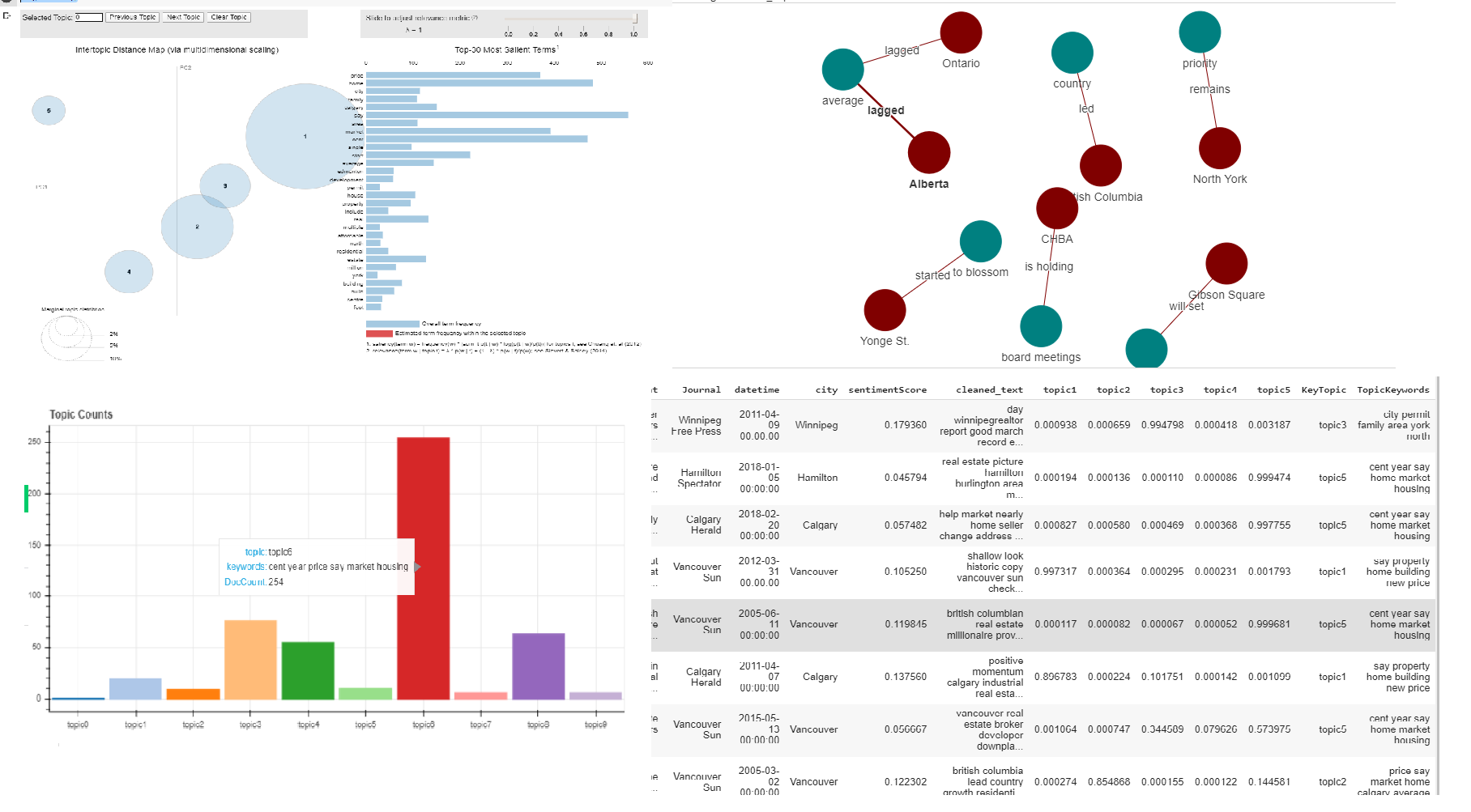
- Topic and SVO visualization (for now Visualization only support run in Jupyter notebook and Colab)
In python3.6 or later environment
pip install ztext
In IPython, Jupyter notebook or Colab
!pip install ztext
from source:
pip3 install git+https://github.com/ZackAnalysis/ztext.git
Start a Jupyter notebook locally or a Colab notebook (https://colab.research.google.com/)
https://colab.research.google.com/drive/1W2mD6QHOGdVEfGShOR_tBnYHxz_D5ore?usp=sharing
install package:
!pip install ztext
import ztext
load sampledata
from sampledata:
df = ztext.sampledata()
zt = ztext.Ztext(df=df, textCol='content',nTopics=5, custom_stopwrods=['sell','home'], samplesize=200)
from file
!wget https://github.com/ZackAnalysis/ztext/blob/master/ztext/sampleData.xlsx?raw=true
filename = "sampleData.xlsx"
zt = ztext.Ztext()
zt.loadfile(filename, textCol='content')
zt.nTopics = 6
zt.custom_stopwords = ['text','not','emotion']
from pandas dataframe
zt.loaddf(df)
zt.sentiment()
zt.get_topics()
zt.getSVO('topic2')
zt.getldaVis()
zt.getSVOvis('topic2',options="any")
zt.df.to_excel('filename.xlsx)`