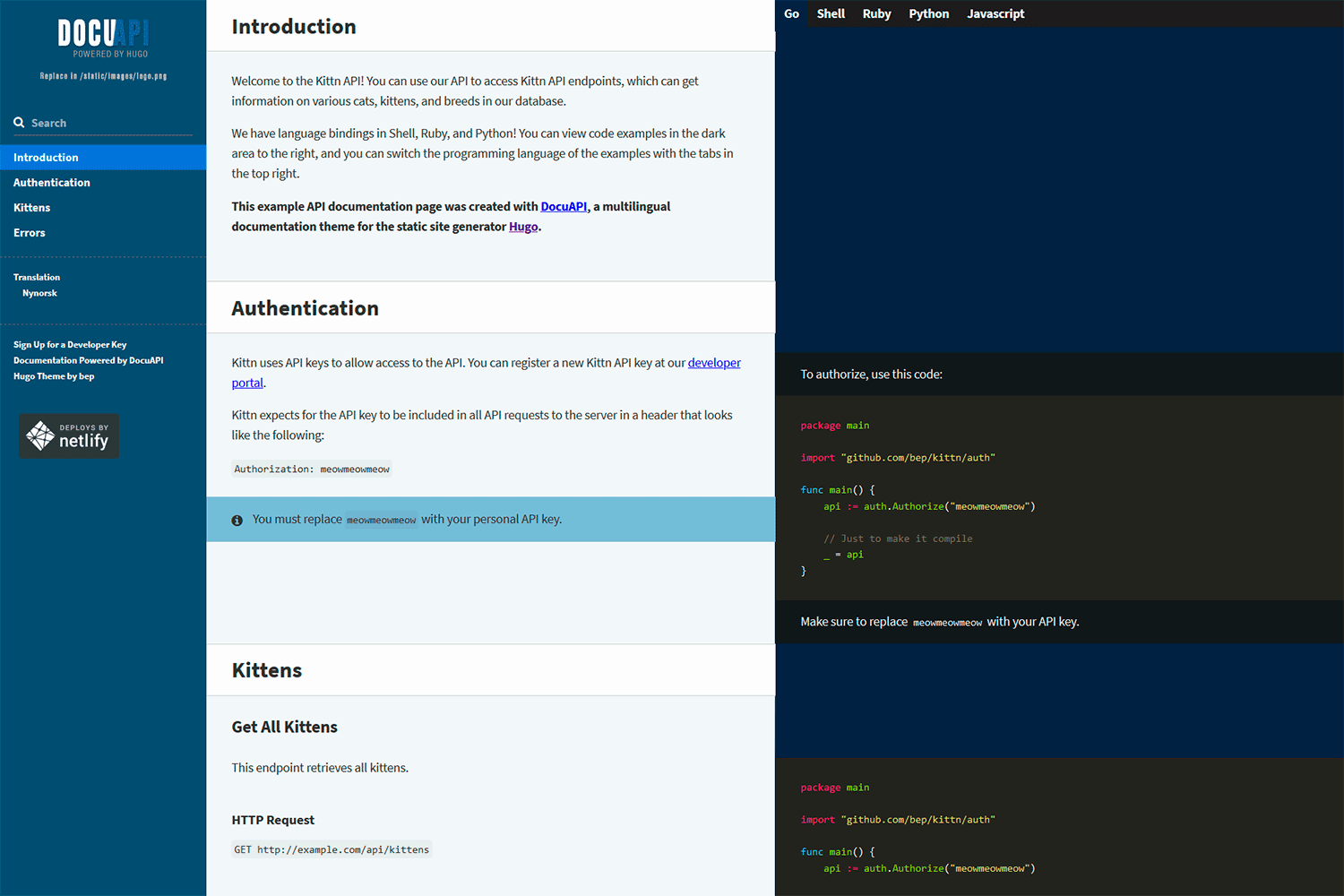
DocuAPI is a beautiful multilingual API documentation theme for Hugo. This theme is built on top of the beautiful work of Robert Lord and others on the Slate project (Apache 2 License). The JS part has recently been rewritten from Jquery to AlpineJS.
Visit the demo site.
Import the theme in your Hugo config:
[[module.imports]]
path = "github.com/bep/docuapi/v3"
v3 requires Hugo v0.161.0 or later. It builds its styles with Hugo's built-in css.Build, so there's no need for the extended Hugo version, Sass, PostCSS or Node.js.
Note, if you want the older Sass-based version, replace the path with github.com/bep/docuapi/v2, and for the older jQuery-version, github.com/bep/docuapi.
See the exampleSite and more specific its site configuration for the available options.
Most notable: This theme will use all the (non drafts) pages in the site and build a single-page API documentation. Using weight in the page front matter is the easiest way to control page order.
If you want a different page selection, please provide your own layouts/index.html template.
You can customize the look-and-feel by setting CSS variables in your site configuration. These take precedence over the theme defaults:
[params.docuapi.cssvars]
  nav-bg      = "#254e70"
  examples-bg = "#002642"
  font-family = '"Source Sans 3", sans-serif'
See assets/css/docuapi/vars.css for the available variables. You can also set them in your own assets/css/docuapi/vars-custom.css, which is empty in the theme. For more extensive changes, use partials/hook_head_end.html to add your own stylesheet.
The code highlighting styles are generated from your markup.highlight configuration, so make sure CSS classes are enabled (noClasses = false, the default) and pick a style:
[markup.highlight]
  noClasses = false
style = "monokai"You can override the layouts by providing some custom partials:
partials/hook_head_end.htmlis inserted right before theheadend tag. Useful for additional styles etc.partials/hook_body_end.htmlwhich should be clear by its name.partials/hook_left_sidebar_start.htmlthe start of the left sidebarpartials/hook_left_sidebar_end.htmlthe end of the left sidebarpartials/hook_left_sidebar_logo.htmlthe logoimgsource
The styles and Javascript import are also put in each partial and as such can be overridden if really needed:
partials/styles.htmlpartials/js.html