



pygemc is the Python API used by GEMC to define detector geometry, materials, optical properties, mirrors, geometry variations, and lightweight output-analysis workflows. It lets users build GEMC databases with Python scripts, preview geometry with PyVista, and inspect GEMC CSV or ROOT output without writing C++.
The package is installed as part of the GEMC source build and can also be developed as a standalone Python project.
- Python classes for GEMC geometry and material databases
GVolumehelpers for common Geant4 solids such as boxes, tubes, cones, and trapezoidsGMaterialhelpers for chemical formulas, fractional-mass mixtures, and optical/scintillation propertiesGConfigurationrun, variation, factory, SQLite, ASCII, and PyVista configuration handlingautogeometry()convenience setup for detector scripts- SQLite and ASCII database output
- PyVista rendering, interactive Qt display, and VTK.js
.vtkszexport for geometry inspection and documentation gemc-system-templateCLI for generating ready-to-run detector systems- Python code snippets for supported Geant4 solid constructors
gemc-analyzerCLI for summarizing and plotting GEMC CSV or ROOT output- Unit conversion helpers for length, angle, time, and energy strings
- Pytest suite that does not require a compiled
gemcbinary
Choose the installation path based on what you need:
- Use PyPI for Python geometry building, PyVista previews, and output analysis without the compiled
gemcsimulator. - Build GEMC from source for the full Geant4 simulation executable and the bundled
pygemcPython environment. - Use the development install when you are editing
pygemcitself.
Use a Python virtual environment for direct pip installs:
python3 -m venv ~/venv/pygemc
source ~/venv/pygemc/bin/activate
python -m pip install --upgrade pipInstall pygemc from PyPI with:
python -m pip install pygemcUpdate an existing PyPI installation with:
python -m pip install --upgrade pygemcOptional ROOT-file analysis dependencies:
python -m pip install "pygemc[root]"Update with optional ROOT-file analysis dependencies enabled:
python -m pip install --upgrade "pygemc[root]"Install the moving GitHub dev prerelease with:
python -m pip install "pygemc @ git+https://github.com/gemc/pygemc.git@dev"Update the GitHub dev snapshot with:
python -m pip install --upgrade --force-reinstall "pygemc @ git+https://github.com/gemc/pygemc.git@dev"Use this when you need the latest development version before the next stable PyPI release.
Use this when you are editing pygemc from a local clone:
git clone https://github.com/gemc/pygemc.git
cd pygemc
python -m pip install -e ".[dev]"
Optional ROOT-file analysis dependencies for local development:
python -m pip install -e ".[dev,root]"The package requires Python 3.10 or newer and depends on NumPy, VTK, PyVista, PyVistaQt, PyQt6, pandas, and matplotlib.
When GEMC is built from source, the parent Meson project installs pygemc into the GEMC Python environment at <prefix>/python_env. After adding <prefix>/bin and <prefix>/python_env/bin to PATH, the simulator and Python tools are available:
gemc -v
gemc-system-template --help
gemc-analyzer --helpCreate a detector template:
gemc-system-template -s counter
cd counter
./counter.py
The generated system contains:
| File | Purpose |
|---|---|
counter.py |
Main geometry-builder script |
geometry.py |
Example volumes, including a flux detector |
materials.py |
Example methane-gas material |
counter.yaml |
GEMC steering card |
README.md |
Placeholder notes for the generated detector |
Run with PyVista visualization:
./counter.py -pvExport a VTK.js scene:
./counter.py -pvvtk counter -pvz 0.25Run the generated simulation with GEMC when the compiled gemc executable is available:
gemc counter.yamlAnalyze output:
gemc-analyzer counter_t0_digitized.csv totEdep --kind csv --bins 50Typical geometry scripts create a configuration and publish volumes/materials to it:
from pygemc import GMaterial, GVolume, autogeometry

cfg = autogeometry("examples", "counter")

gas = GMaterial("methaneGas")
gas.description = "methane gas CH4 0.000667 g/cm3"
gas.density = 0.000667
gas.addNAtoms("C", 1)
gas.addNAtoms("H", 4)
gas.publish(cfg)

flux = GVolume("flux_box")
flux.description = "air flux box"
flux.make_box(40.0, 40.0, 2.0)
flux.set_position(0, 0, 100)
flux.material = "G4_AIR"
flux.color = "3399FF"
flux.style = 1
flux.digitization = "flux"
flux.set_identifier("box", 2)
flux.publish(cfg)
Common command-line options accepted by geometry scripts:
| Option | Purpose |
|---|---|
-f, --factory |
Select sqlite or ascii output |
-v, --variation |
Select the geometry variation |
-r, --run |
Select the run number |
-sql, --dbhost |
Select the SQLite file path |
-pv |
Show a PyVista window |
-pvb |
Show a PyVistaQt background plotter |
-pvvtk |
Export a VTK.js .vtksz scene |
-pvz |
Set the VTK.js export zoom |
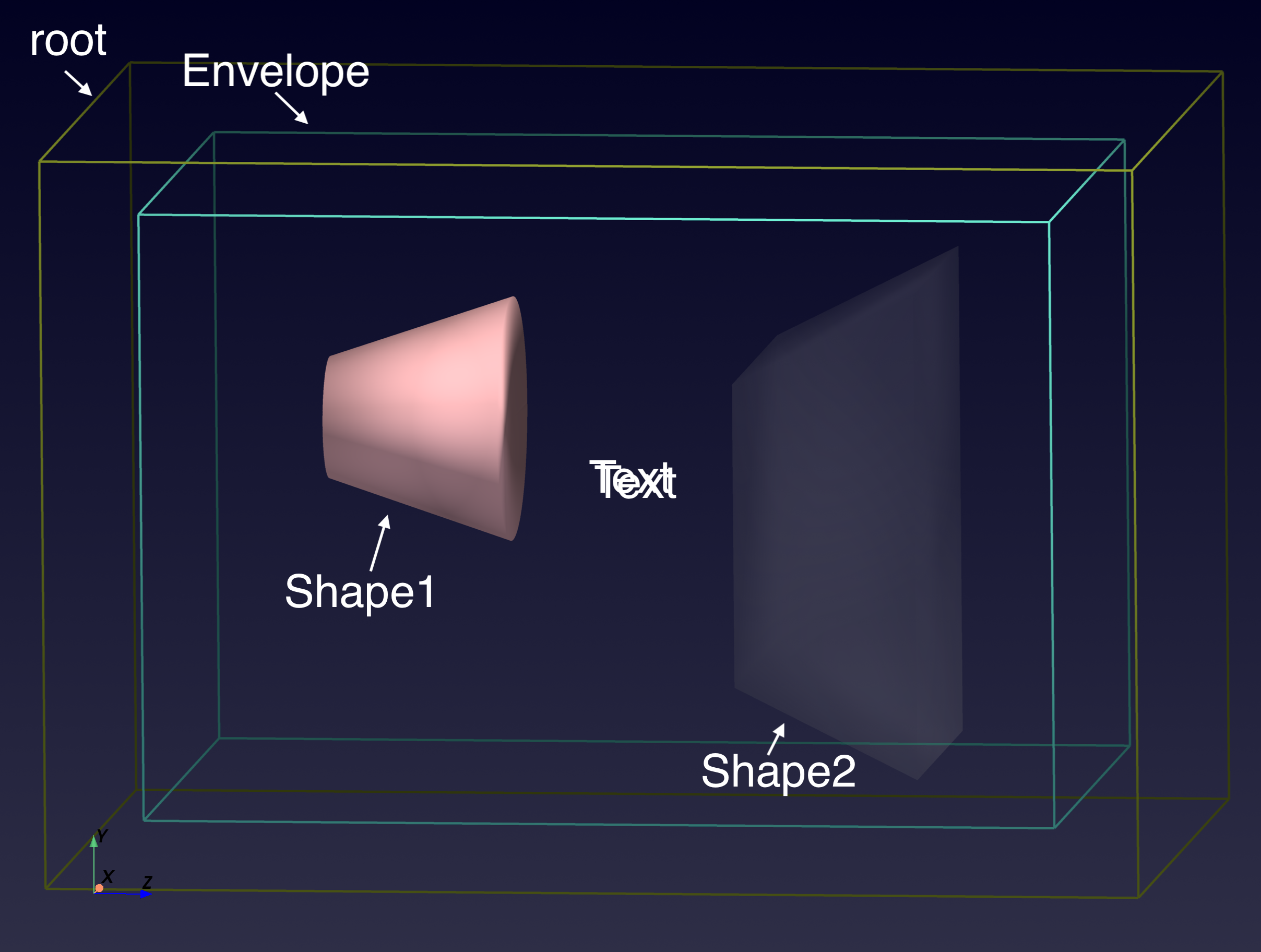
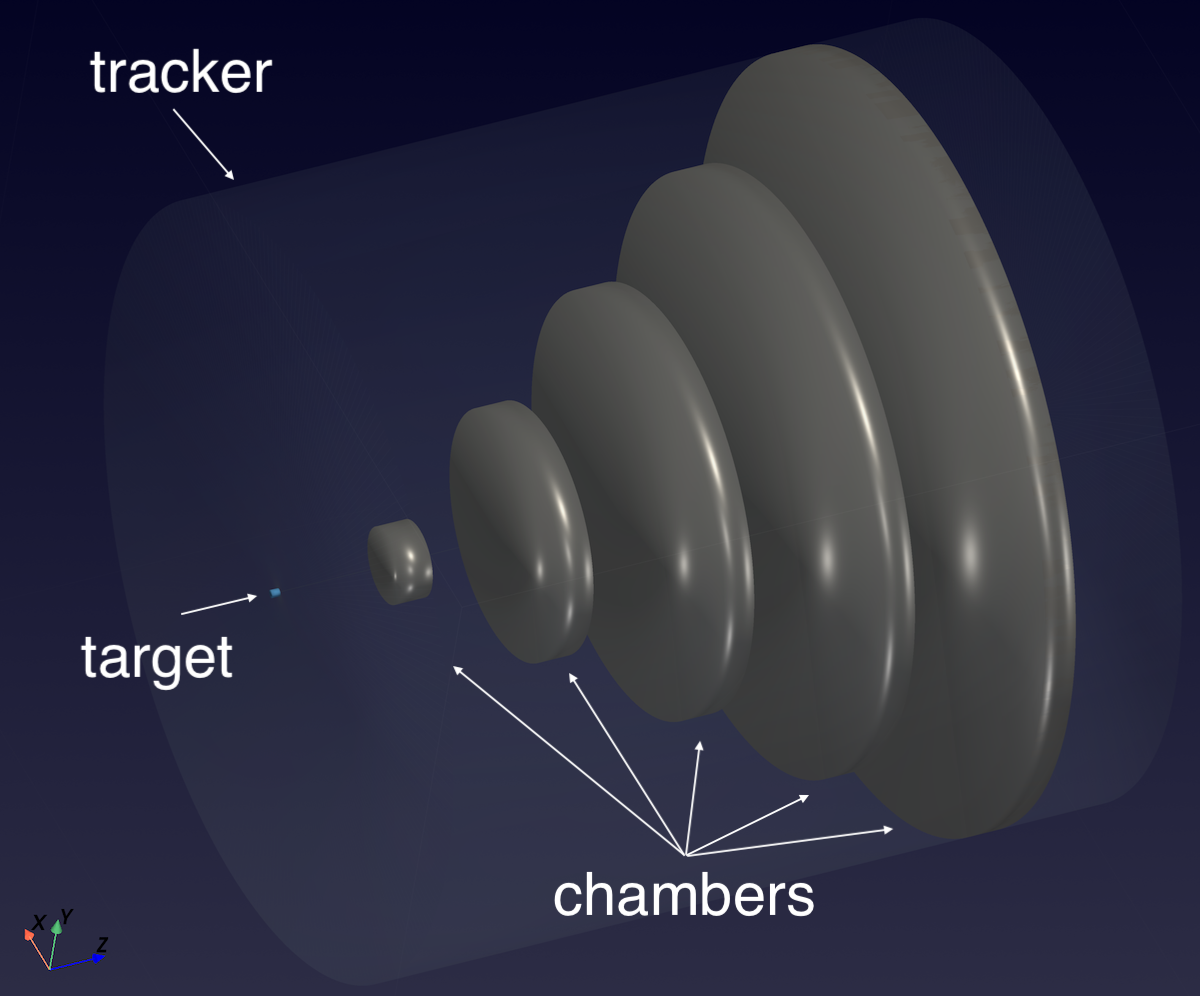
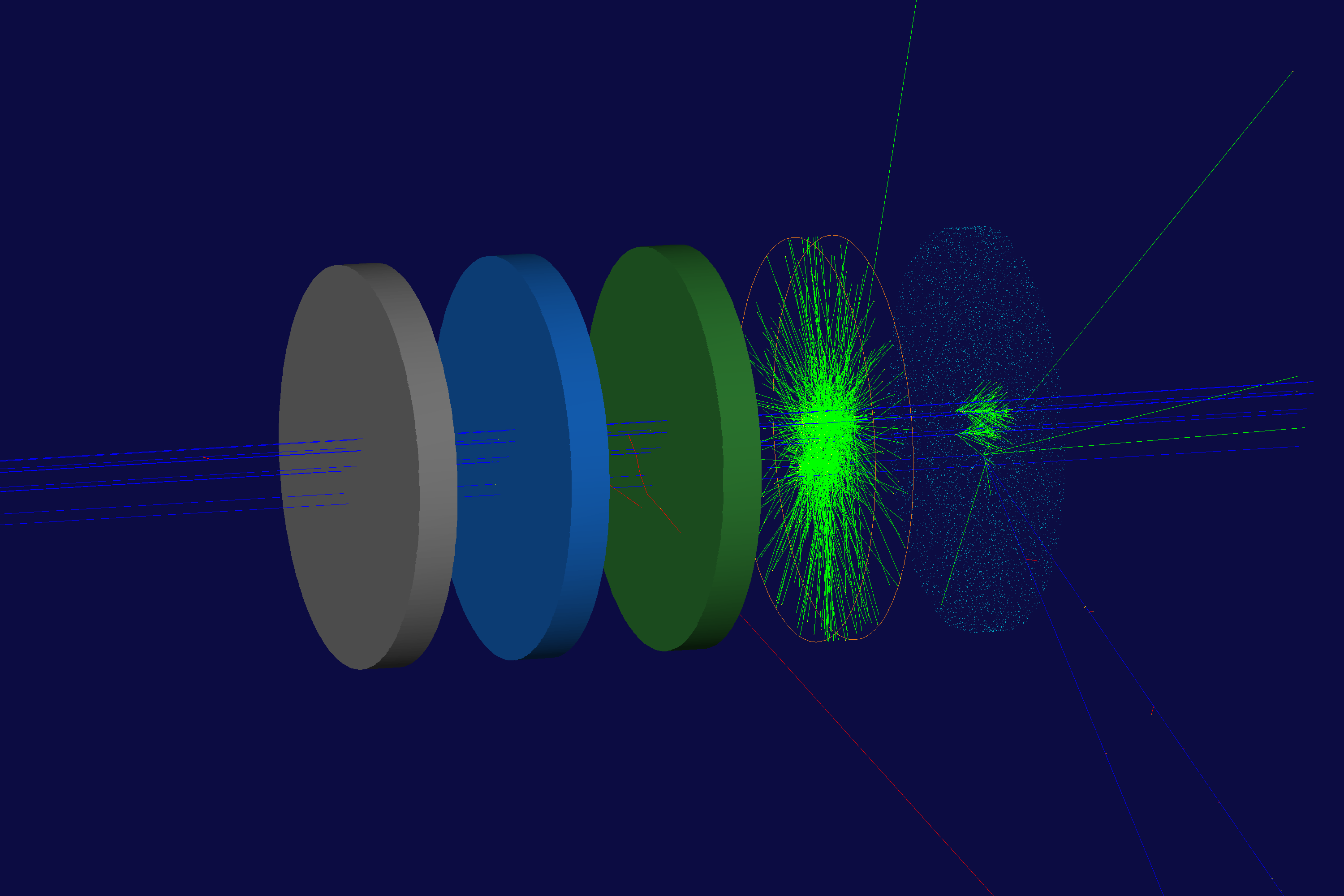
PyVista support is central to pygemc: geometry scripts can display the detector as they build it, open an interactive Qt viewer, or export a .vtksz scene that can be published in documentation.
| B1 | B2 |
|---|---|
 |
 |
| Materials | Simple Flux |
 |
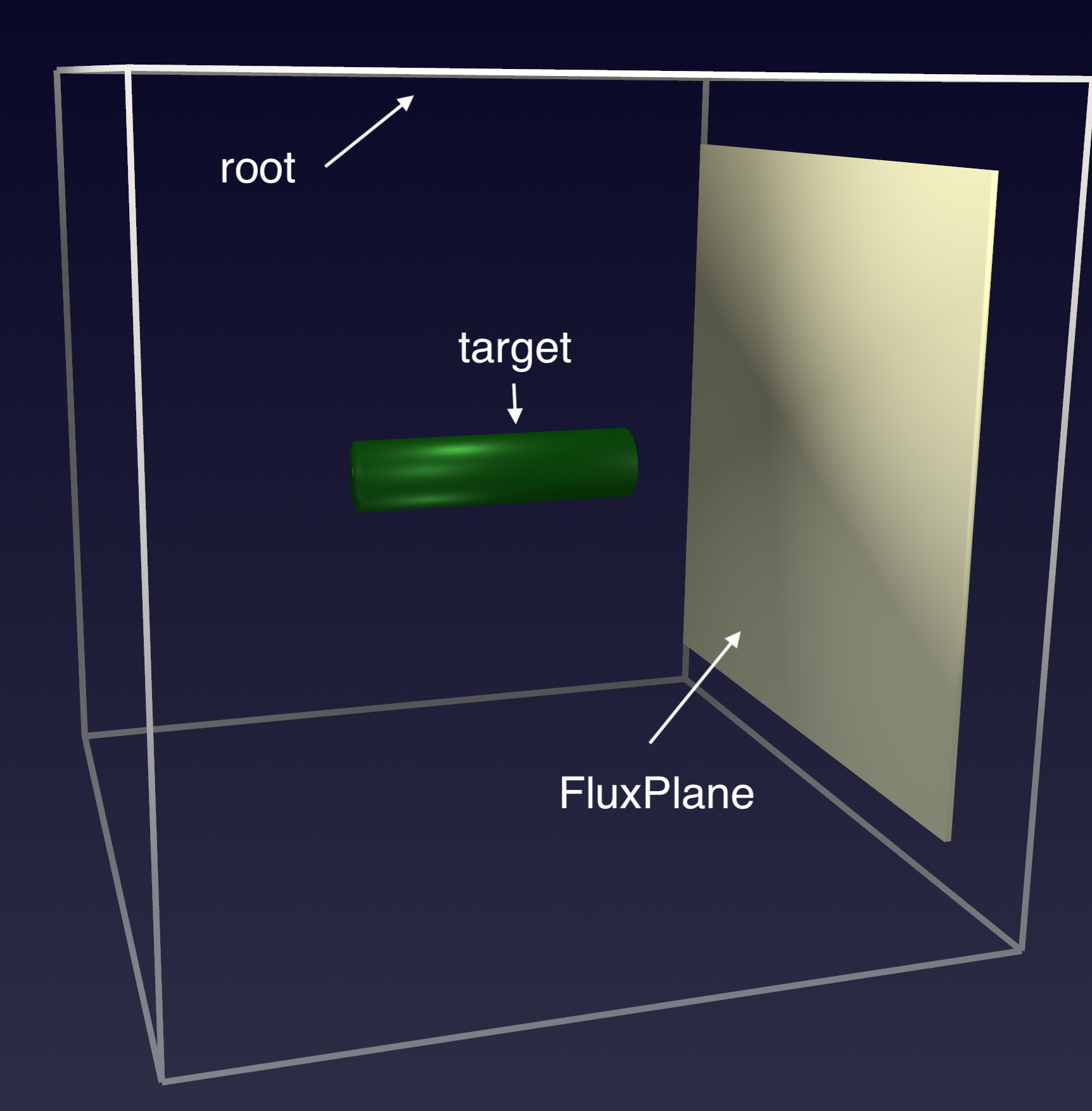 |
Open the linked interactive PyVista scenes generated from the GEMC examples.
GitHub README pages cannot embed .vtksz files directly, so the preview image links to the hosted VTK.js viewer.
Generate a detector skeleton:
gemc-system-template -s counterList supported solid snippets:
gemc-system-template -slPrint a volume-construction snippet:
gemc-system-template -gv G4BoxWrite a snippet to a file:
gemc-system-template -gv G4Tubs -write_to geometry.py -geo_sub build_tubeSummarize an output file:
gemc-analyzer counter_t0_digitized.csv --kind csvPlot a variable:
gemc-analyzer counter_t0_digitized.csv totEdep --kind csv --bins 50Plot hit positions in the y-vs-x plane:
gemc-analyzer counter_t0_true_info.csv --kind csv --data true_info --plot yvsx --xlim -20 20 --ylim -20 20Save a figure without opening a GUI:
gemc-analyzer out.root E --kind root --detector flux --save energy.pngAnalyzer inputs:
- CSV output files or CSV root names
- ROOT files when
pygemc[root]dependencies are installed - Digitized and true-information data streams
Run the standalone Python tests:
pytest
pytest tests/test_cli.py
pytest tests/test_geometry.py
pytest -v
pytest -k "sqlite"
The tests cover CLI behavior and geometry database generation. They intentionally do not require Geant4 or a compiled gemc executable; full simulation tests live in the parent GEMC Meson build.
| Path | Purpose |
|---|---|
src/pygemc/api/ |
Geometry, materials, units, SQLite output, PyVista support, and templates |
src/pygemc/analyzer/ |
CSV/ROOT readers, plotting, and analyzer CLI |
tests/ |
Standalone pytest suite |
releases/ |
Release notes |
pyproject.toml |
Python packaging metadata and console scripts |
meson.build |
Meson subproject integration used by GEMC |
Keep patches focused and run the relevant pytest targets before opening a pull request. If a change affects the integrated GEMC build, also run the parent repository Meson tests for the affected examples or modules.
pygemc is distributed under the GEMC Software License, the same license used by the main GEMC source repository. See LICENSE.md.