


GEMC, the GEant Monte-Carlo, is a database-driven Geant4 application for detector and radiation-transport simulations. It keeps detector descriptions outside the compiled C++ application: users define geometry, materials, optics, mirrors, sensitive detectors, and run configuration in Python or data files, then GEMC loads those definitions at run time and executes the full Geant4 simulation pipeline.
The project goal is to make Geant4-based simulation accessible to users who want to prototype detector systems without writing a custom Geant4 application, while still preserving C++ extension points for advanced detector response and output workflows.
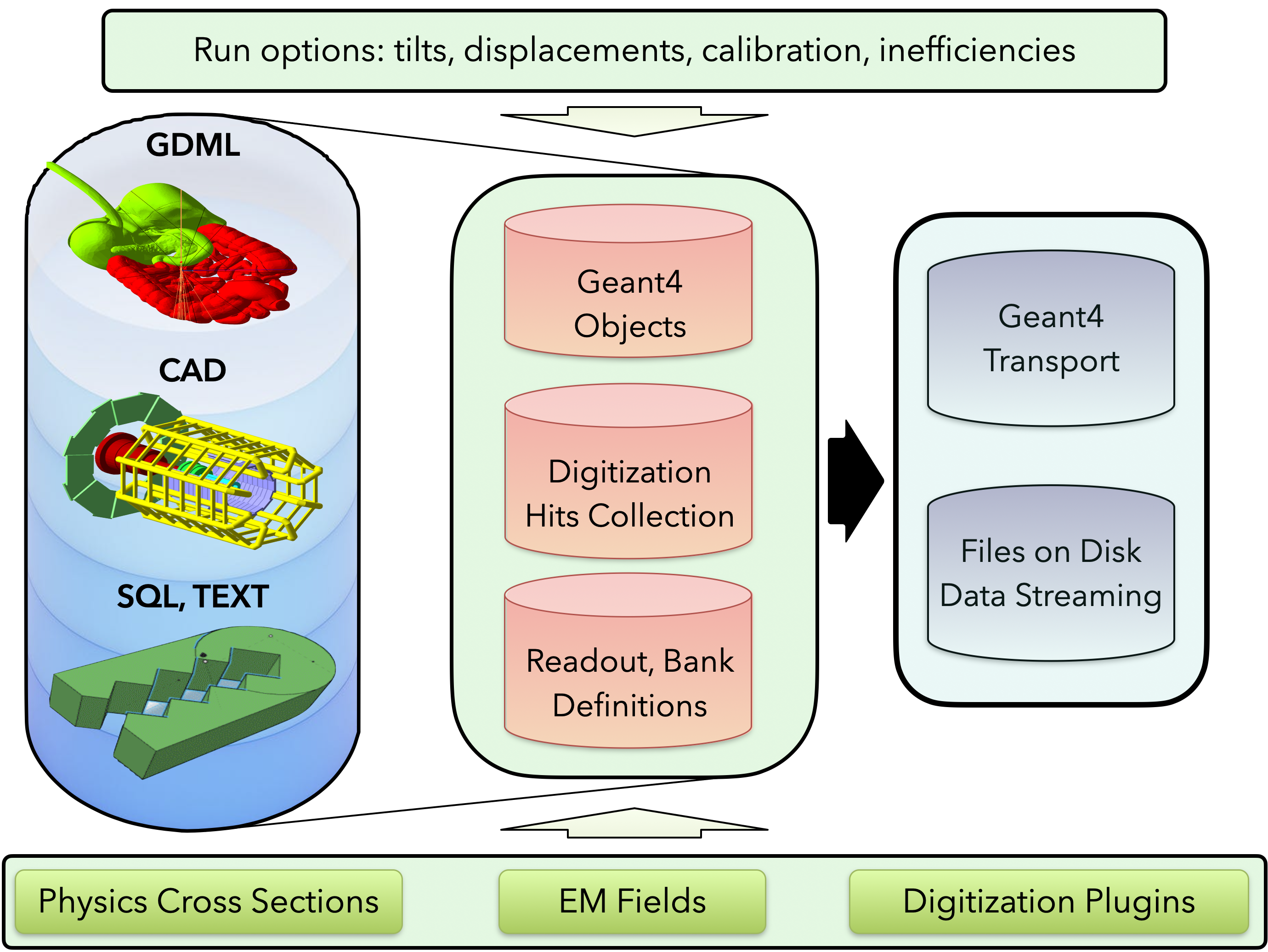
- Python-first detector definition through
pygemc - Geometry and material storage in SQLite or GEMC ASCII databases
- Geometry imports from native GEMC databases, GDML, and CAD meshes
- Run-number and variation support for reusable detector configurations
- Built-in sensitive detector digitizations:
flux,dosimeter, andparticle_counter - Dynamic C++ plugin infrastructure for custom digitization, fields, particle readers, and output streamers
- Event generation from command-line/YAML particle definitions and Lund files
- Output streamers for ASCII, CSV, JSON, JLAB SRO, and optional ROOT output
- Magnetic-field support, including a built-in multipole field plugin
- Interactive Geant4/Qt visualization and off-screen image generation
- PyVista geometry preview, interactive Qt display, and VTK.js export from Python geometry scripts
- Python analyzer for plotting GEMC CSV and ROOT output
- Meson-based C++ build with CI-tested Docker images for Linux
amd64andarm64
| Path | Purpose |
|---|---|
actions/, g4system/, gdetector/, gphysics/ |
Geant4 application integration and detector construction |
gsystem/ |
Geometry-system loading from SQLite, ASCII, CAD, and GDML sources |
gdynamicDigitization/ |
Built-in and dynamically loaded digitization routines |
gstreamer/ |
Output plugins for event, run, and frame data |
gparticle/ |
Particle generation and particle-file readers |
gfields/ |
Magnetic-field abstractions and field plugins |
examples/ |
Complete Python/YAML examples used by tests and documentation |
subprojects/pygemc/ |
Meson subproject copy of the Python API |
ci/ |
Build, Docker, release, and documentation automation |
The fastest way to try GEMC is through the hosted examples:
A minimal local workflow looks like this after installation:
gemc-system-template -s counter
cd counter
./counter.py
gemc counter.yaml
gemc-analyzer counter_t0_digitized.csv totEdep --kind csv --bins 50
The template command creates a small detector system, the Python script writes gemc.db, gemc runs the simulation, and gemc-analyzer plots a variable from the CSV output.
Choose the installation path based on what you need:
- Use the PyPI
pygemcpackage for Python geometry building, PyVista previews, and output analysis without the compiledgemcsimulator. - Build GEMC from source for the full Geant4 simulation executable and the bundled
pygemcPython environment. - Use Docker when you want a ready-to-run development environment without managing local Geant4 dependencies.
GEMC uses Meson. A normal source build is:
git clone --recurse-submodules https://github.com/gemc/src.git gemc-src
cd gemc-src
meson setup build --native-file=core.ini --prefix=/path/to/gemc
meson compile -C build
meson install -C build
After installation, add the GEMC binary directory and the bundled Python environment to your shell:
export GEMC_HOME=/path/to/gemc
export PATH=$GEMC_HOME/bin:$GEMC_HOME/python_env/bin:$PATH
For versioned installs such as /path/to/gemc/0.2, keep the version in the path:
export GEMC_VERSION=0.2
export PATH=/path/to/gemc/$GEMC_VERSION/bin:/path/to/gemc/$GEMC_VERSION/python_env/bin:$PATH
Verify both the simulator and Python tools:
gemc -v
gemc-system-template --help
gemc-analyzer --help
Build options:
-Droot=enabledenables ROOT output when ROOT is installed.-Di_test=trueenables GUI-oriented tests.meson install -C buildbuilds and installs the current tree.
Pre-built development images are published to GitHub Container Registry. For example:
docker run -it --rm -v "$PWD":/work ghcr.io/gemc/src:dev-ubuntu-24.04 bashPublished image families include:
| OS | Version | Architectures |
|---|---|---|
| AlmaLinux | 10 | amd64, arm64 |
| Arch Linux | latest | amd64 |
| Debian | 13 | amd64, arm64 |
| Fedora | 44 | amd64, arm64 |
| Ubuntu | 24.04, 26.04 | amd64, arm64 |
See the installation page for Docker, browser GUI, and Apptainer examples.
Detector systems are usually written with pygemc, the GEMC Python package:
from pygemc import GVolume, autogeometry

cfg = autogeometry("examples", "counter")

flux = GVolume("flux_box")
flux.description = "air flux box"
flux.make_box(40.0, 40.0, 2.0)
flux.set_position(0, 0, 100)
flux.material = "G4_AIR"
flux.color = "3399FF"
flux.digitization = "flux"
flux.set_identifier("box", 2)
flux.publish(cfg)
Geometry scripts can write SQLite or ASCII databases, display geometry with PyVista, or export VTK.js files:
./counter.py --factory sqlite
./counter.py -pv
./counter.py -pvvtk counter -pvz 0.25
PyVista is part of the normal GEMC geometry workflow. It lets users inspect detector geometry before running Geant4, export portable VTK.js scenes for documentation, and catch placement or rotation mistakes while editing Python geometry scripts.
| B1 | B2 |
|---|---|
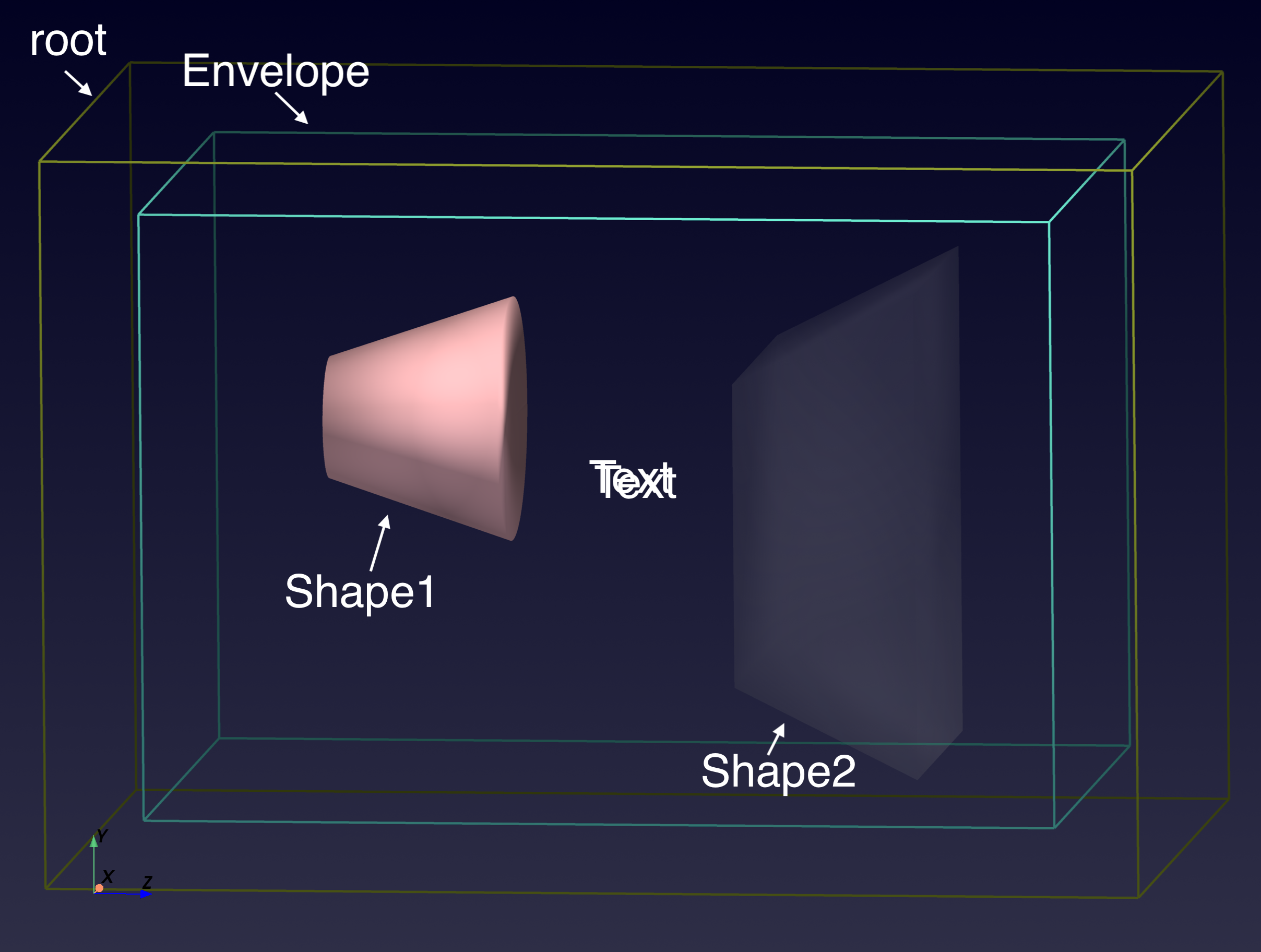 |
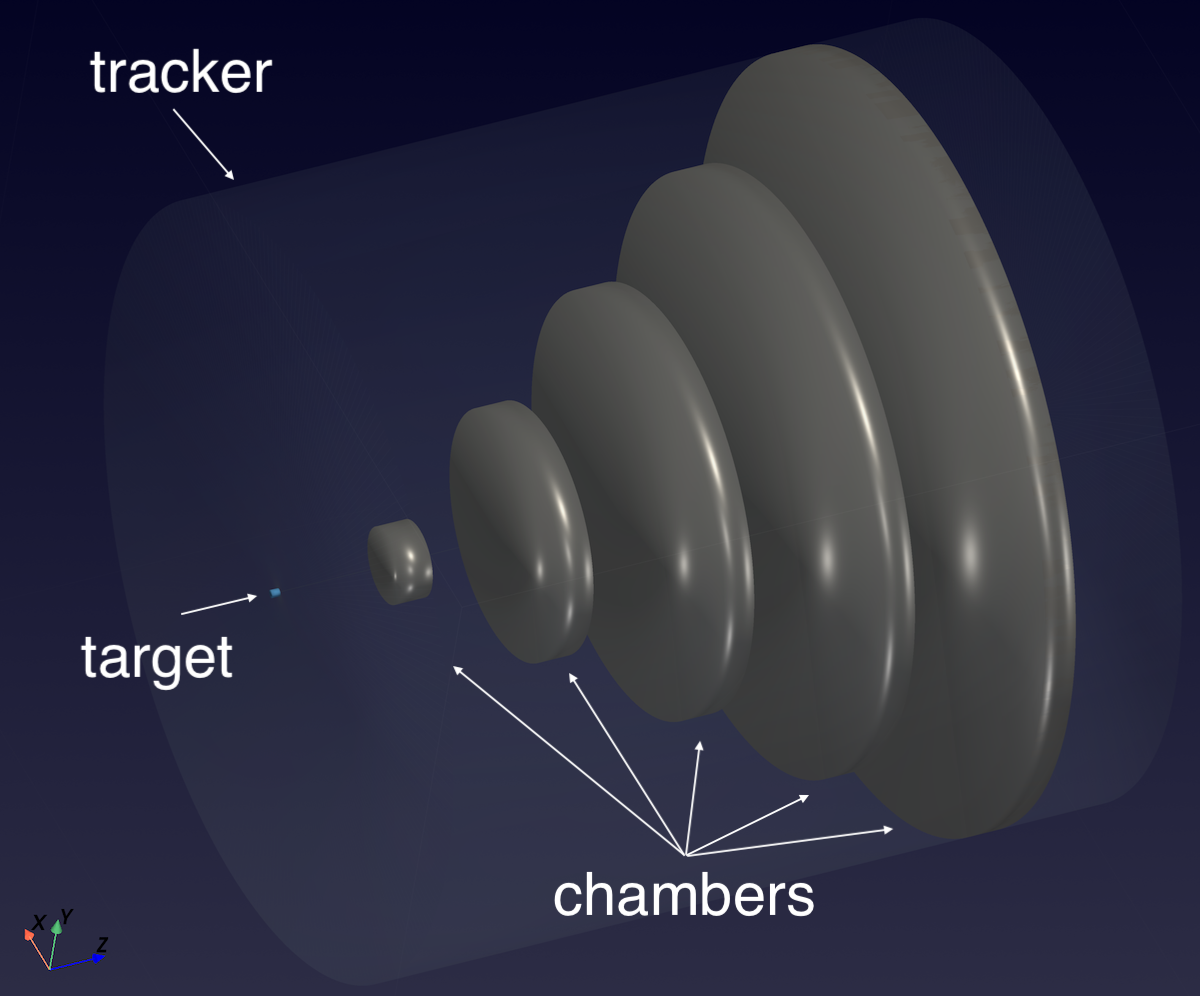 |
| Materials | Simple Flux |
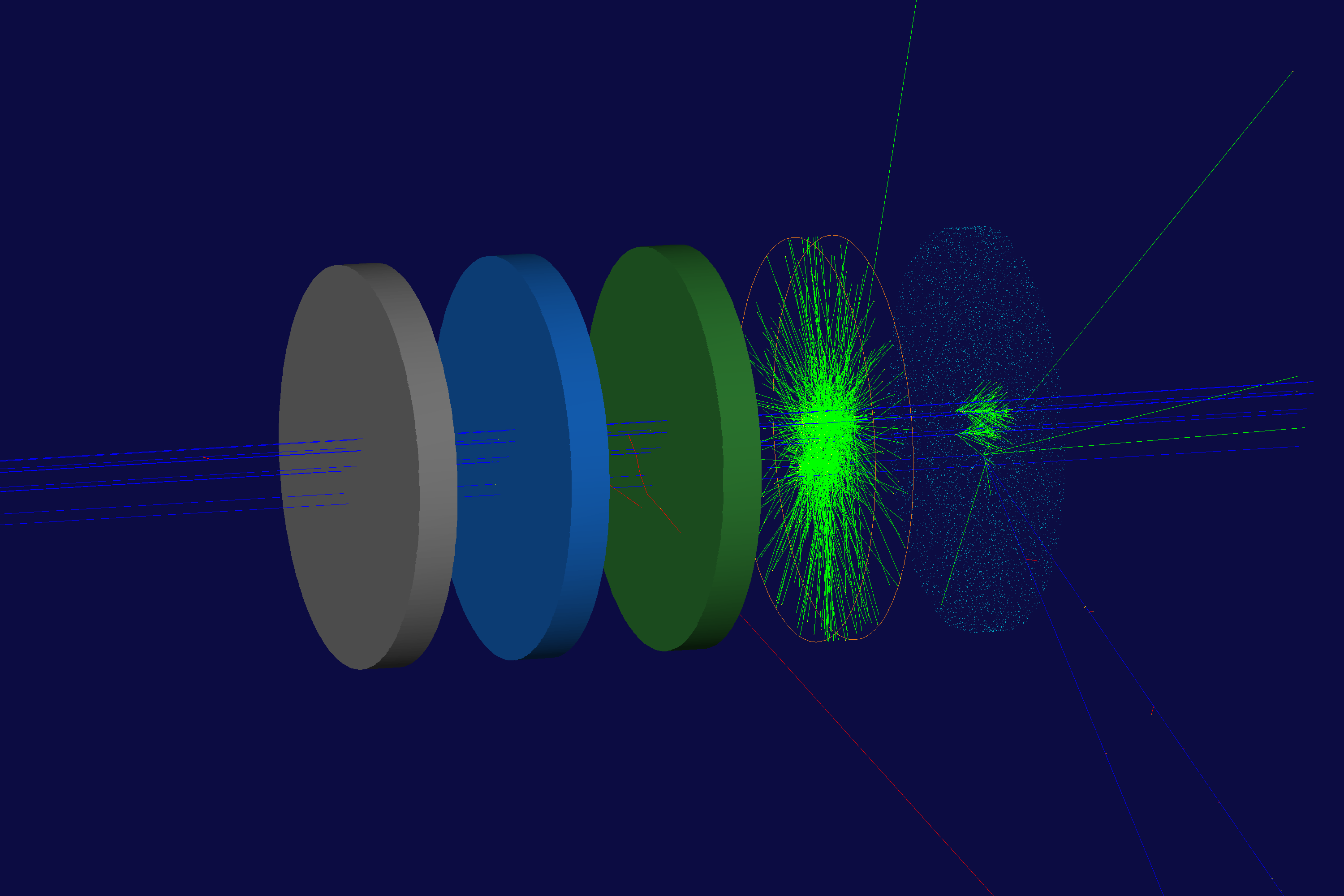 |
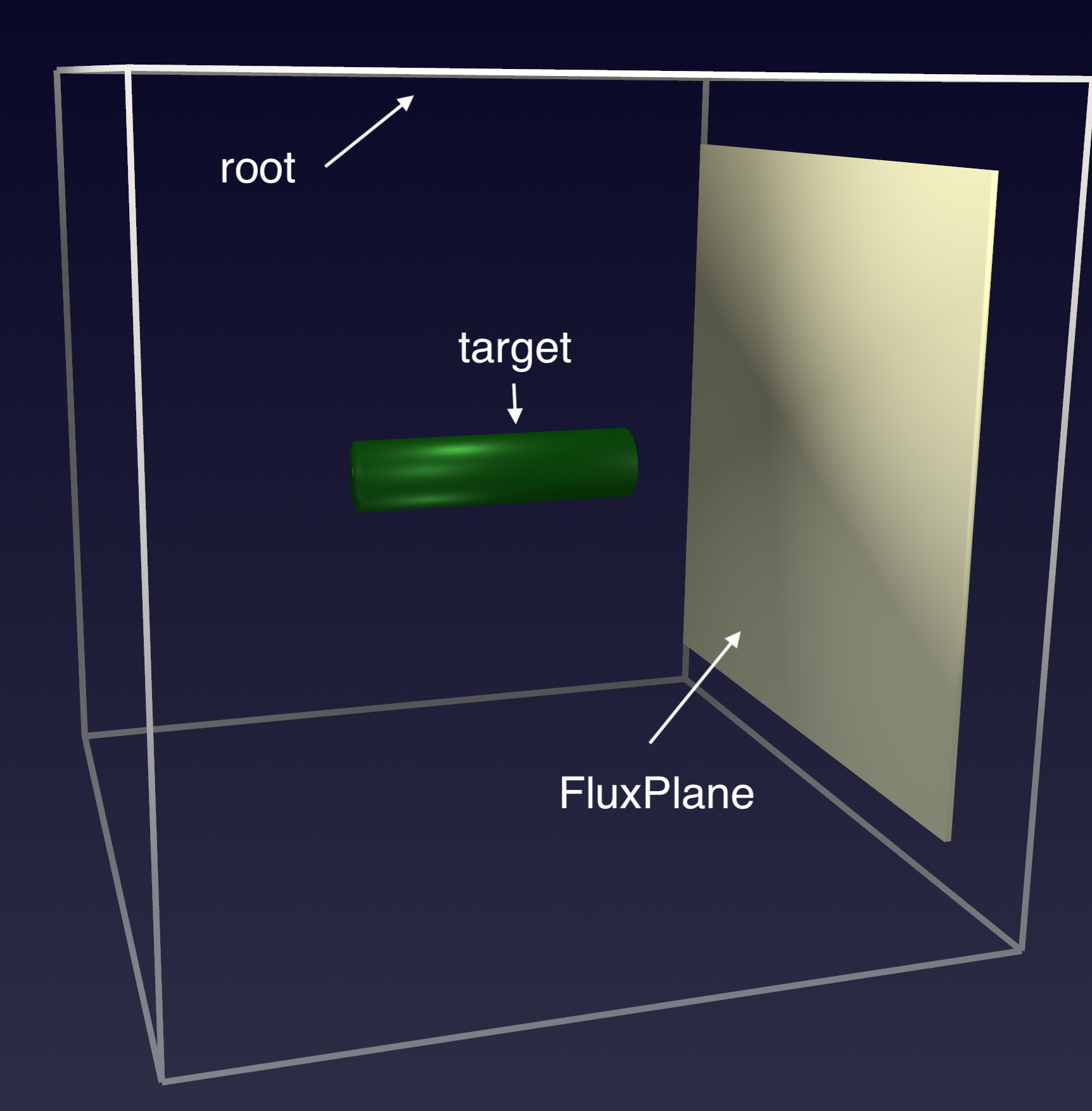 |
Open the linked interactive PyVista scenes generated from the GEMC examples.
GitHub README pages cannot embed .vtksz scenes directly, so the image above links to the hosted VTK.js viewer.
GEMC is configured with YAML files and equivalent command-line options. A compact steering file can define the run number, event count, generator, geometry systems, output streamers, and world volume:
runno: 1
n: 100
nthreads: 1

gparticle:
  - name: proton
    p: 1500
    vz: -5.0

gsystem:
  - name: counter
    factory: sqlite

gstreamer:
  - filename: counter
    format: csv
  - filename: counter
    format: json

root: G4Box, 15*cm, 15*cm, 15*cm, G4_AIR
Run in batch mode:
gemc counter.yamlRun with the Geant4 GUI:
gemc counter.yaml -guiGenerate an off-screen Geant4 image:
gemc counter.yaml -n=10 \
  -g4view="[{driver: TOOLSSG_OFFSCREEN, segsPerCircle: 200}]" \
  -g4camera="[{phi: -10*deg, theta: 250*deg}]" \
-g4light="[{phi: 160*deg, theta: 120*deg}]"The output layer is plugin-based. Built-in streamer formats include:
| Format | Notes |
|---|---|
ascii |
Human-readable text output |
csv |
Per-thread CSV tables for digitized hits, true information, generated particles, and tracked generated particles |
json |
Structured event output |
jlabsro |
Binary JLAB SRO frame records |
root |
ROOT TTrees, available when GEMC is built with ROOT |
Analyze CSV or ROOT output with:
gemc-analyzer counter_t0_digitized.csv totEdep --kind csv --bins 50
gemc-analyzer out.root E --kind root --detector flux --save energy.pngThe repository includes examples under examples/, with matching documentation and rendered assets on the project site:
examples/basic/simple_flux: flux digitization and output analysisexamples/basic/b1: Geant4 basic B1-style geometryexamples/basic/b2: Geant4 basic B2-style geometryexamples/basic/material: material and optical-property definitionsexamples/basic/pyvista: PyVista visualization examplesexamples/optical/cherenkov: optical photon and Cherenkov workflow
Build and install:
meson install -C buildList tests:
meson test -C build --listRun one test with logs:
meson test -C build -v --print-errorlogs <testname>The CI system also builds Docker images, runs the Meson test suite, runs sanitizer builds, generates Doxygen documentation, performs CodeQL analysis, and publishes nightly development release notes.
- Project homepage
- Installation
- User documentation
- Examples
- Doxygen workflow
- GEMC2 / CLAS12 repository
This repository is GEMC version 3 and newer. CLAS12 GEMC2 simulations are maintained separately in gemc/clas12Tags.
Contributions are welcome through normal pull requests. Before opening a pull request, run the relevant Meson tests and keep changes focused. See:
If you use GEMC in scientific work, cite:
M. Ungaro, "Geant4 Monte-Carlo (GEMC) A database-driven simulation program," EPJ Web of Conferences 295, 05005 (2024). https://doi.org/10.1051/epjconf/202429505005
BibTeX and additional citation formats are in CITATION.md.
GEMC is distributed under the project license in LICENSE.md. The software also depends on separately licensed third-party components, including Geant4, CLHEP, Qt, ROOT, SQLite, and Assimp.