


Language support, snippets and build-system for pynsist, a tool to build Windows installers for your Python applications
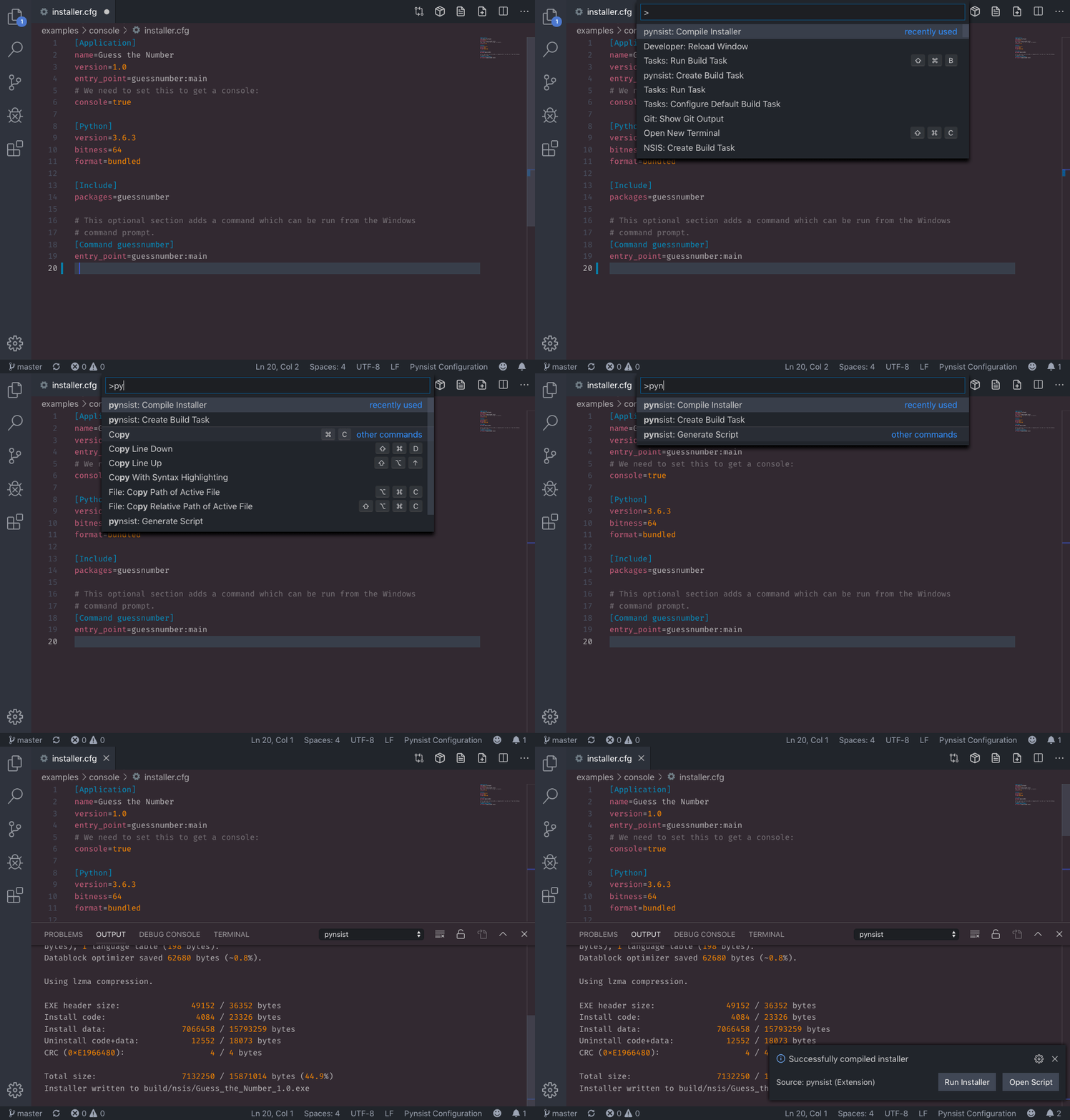
See Pynsist in action
Launch Quick Open, paste the following command, and press Enter
ext install idleberg.pynsist
With shell commands installed, you can use the following command to install the extension:
$ code --install-extension idleberg.pynsist
Download the packaged extension from the the release page and install it from the command-line:
$ code --install-extension path/to/pynsist-*.vsixAlternatively, you can download the packaged extension from the Open VSX Registry or install it using the ovsx command-line tool:
$ ovsx get idleberg.pynsistChange to your Visual Studio Code extensions directory:
# Windows Powershell
cd $Env:USERPROFILES\.vscode\extensions

# Windows Command Prompt
$ cd %USERPROFILE%\.vscode\extensions
# Linux & macOS
$ cd ~/.vscode/extensions/Clone repository as pynsist:
$ git clone https://github.com/idleberg/vscode-pynsist pynsistThis package provides snippets to create sections and settings inside your installer.cfg, as well as all supported NSIS variables.
Before you can build, make sure pynsist and makensis are in your PATH environment variable. Alternatively, you can specify the path to pynsist in your user settings.
Once set up, you can make use of the commands provided by this package:
pynsist: Generate Script- generates an NSIS script from yourinstaller.cfgpynsist: Compile Installer- generates an NSIS script and compiles itpynsist: Create Build Task- create build task for the built-in Task Runnerpynsist: Create Open Settings- Opens the extension settings
This work is licensed under The MIT License