

The open source Loom alternative.
Cap.so »
Internal Downloads:
macOS & Windows builds

Cap is the open source alternative to Loom. It's a video messaging tool that allows you to record, edit and share videos in seconds.
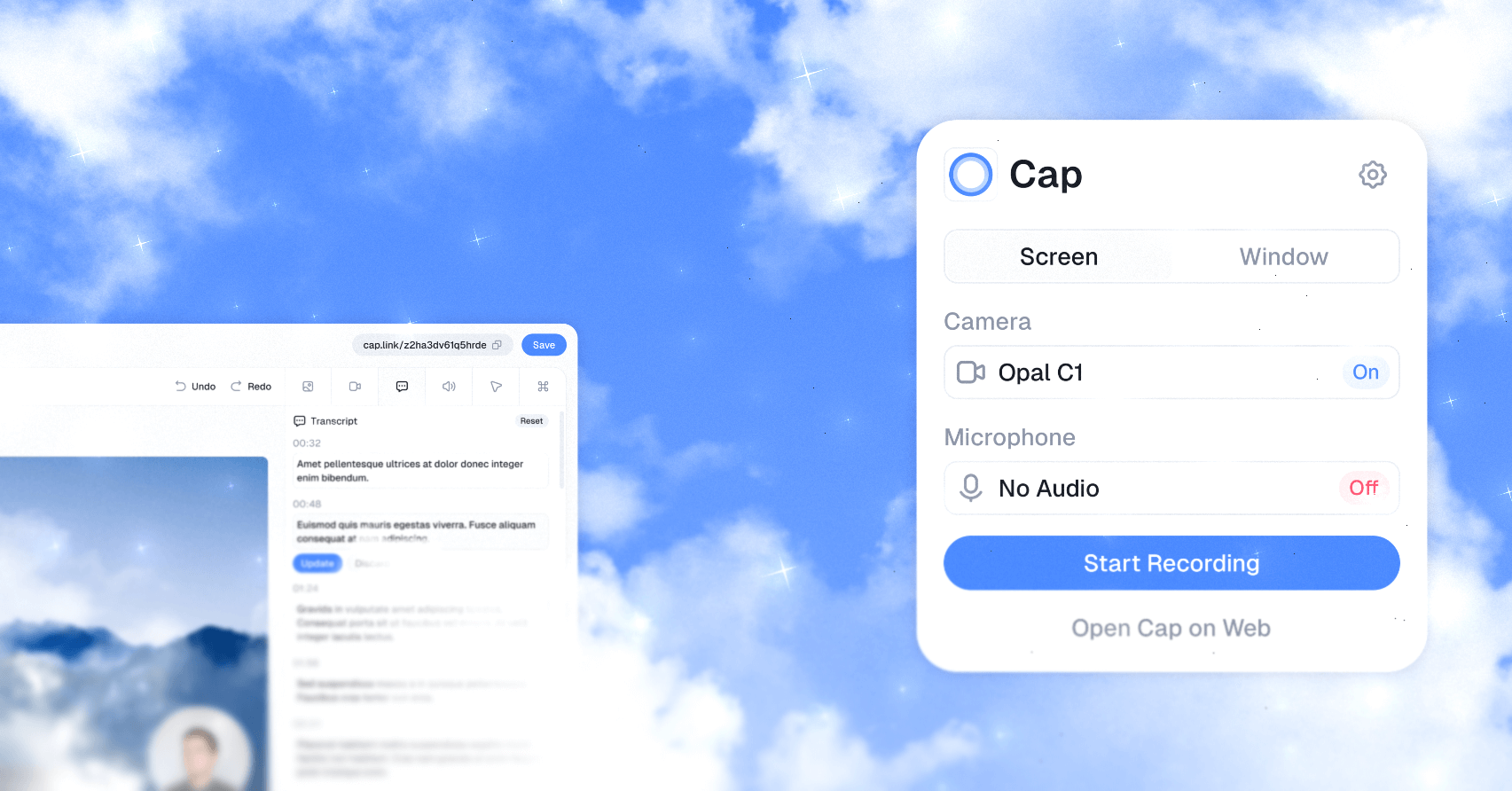
This R90 fork runs against an internal self-hosted Cap instance deployed on Railway. Desktop builds produced by the workflow below are pre-configured to talk to that instance.
For access to the Railway project, environment variables, deployment issues, or anything else about our internal instance, ping @jacogrande.
Every merge to main whose push CI passes publishes the R90 fork desktop app automatically. Download the current healthy build from Internal Downloads:
- macOS Apple Silicon (M1/M2/M3/M4):
*_aarch64.dmg - Windows x64:
*_x64-setup.exe
The channel links to immutable, exact-revision release assets. Installer checksums, Tauri updater signatures, the existing fork public key, target/revision manifests, and the installed-app smoke run are linked from the release. Intel Mac builds are not supported by this fork's publication workflow.
These internal builds retain the fork's existing signing boundary: macOS bundles are ad-hoc signed, not Apple Developer ID signed or notarized; Windows installers are not Authenticode signed. Tauri updater artifacts are signed with the existing fork key. [INFERENCE] macOS may re-prompt for screen/microphone grants after an ad-hoc-signed update changes the code identity; this workflow does not grant or bypass them.
- macOS: right-click the app → Open the first time, or run
xattr -dr com.apple.quarantine /Applications/Cap.appafter installing. - Windows: SmartScreen will warn you — click "More info" → "Run anyway".
The publish workflow follows successful push CI on main, checks out that exact revision, and builds macOS Apple Silicon and Windows x64 in parallel. No release dispatch, version bump, Discord interaction, or human approval is required.
Production builds keep the workspace's release optimization, fat LTO and single codegen unit, but omit embedded debug symbols. This avoids generating and linking unused release debuginfo on the bounded native runners; it does not change updater signing, installed-app smoke checks or OS consent boundaries. The real build command has an 80-minute deadline inside the unchanged 90-minute native job limit. Expiry terminates its compiler process tree and exits as a failure before GitHub cancels the job, so the normal failure intake can alert agent triage; intended cancellations remain excluded from that route.
Pull requests use normal native CI and independent review, not production signing or publication. The native CI job and production publisher share scripts/build-fork.sh: both build the actual sidecar and optimized Tauri binary with the production config. The credential-free PR preflight uses --no-bundle and the existing public runtime defaults; it cannot prove private updater signing, installer packaging, provider publication or installed-app behavior. Production signing credentials are consumed only after successful same-repository push CI on main. Publication verifies updater signatures before exposing a complete immutable candidate. Native smoke runners then download that published candidate, check its checksums and installed version, install it in a disposable directory, and launch the fresh-install Welcome to Cap window. macOS additionally verifies the updater archive's ad-hoc signature, arm64 architecture, version and exact executable match to the installed DMG app. Logs, screenshots and target/revision results are retained in attempt-specific workflow artifacts; screenshots still need visual inspection for the first observed release. Only both successful native walks advance internal-latest and its static Tauri latest.json manifest. A failed or cancelled walk withdraws a never-healthy candidate and leaves the last healthy channel unchanged; previously verified immutable releases remain available for rollback if a later re-walk fails, and that failed walk still raises triage. Agent triage recovers a failed publication by re-running all jobs for the same revision, not by approving a release or rerunning only smoke against a withdrawn draft.
The workflow publishes to r90group/Cap GitHub Releases, never upstream CrabNebula, upstream Discord, upstream signing services or upstream Sentry. First-parent source-ancestry counts generate strictly increasing stable native versions within Windows Installer bounds, including patch/minor rollover, independent of CI completion order and stable on reruns. The version is applied to the actual Tauri package and installer, not merely its filename. The existing fork public key is pinned in production config and checked against the signing credential without persisting private bytes. The fork-owned updater endpoint is https://github.com/r90group/Cap/releases/download/internal-latest/latest.json. Its exact source revision and version bind both smoke-healthy immutable updater artifacts. Promotion rejects a non-increasing version and reads back the real endpoint with a short, bounded propagation wait; a failed promotion restores the prior manifest and channel. Every green revision gets its own immutable candidate and smoke. A candidate is not healthy merely because its prerelease is visible: only a successful native walk publishes its latest.json. Promotions queue without superseding pending revisions, and newer healthy revisions may supersede an intermediate channel promotion.
Before promotion, published assets are downloaded again and their checksum inventory is authenticated with the pinned fork key, then every published payload hash is checked. A failed published-byte check cannot advance the healthy channel. Preserve main's first-parent history: rewriting or shortening it can regress the source-derived native version and is rejected by the monotonic promotion guard.
Re-running the same revision only recovers transient failures: GitHub retains that run's workflow definition, and the scripts/config stay bound to its source SHA. Repair broken publication tooling through a new normally reviewed and CI-verified merge; do not substitute a different source or hand-publish a version to rescue the old run.
Legacy installers that embed upstream Cap's endpoint/public key must install the current fork installer once. This publication neither migrates their cryptographic trust remotely nor rotates or bypasses signing keys. First-launch Gatekeeper/SmartScreen consent and screen/microphone grants are not bypassed or exercised by this isolated, unquarantined startup smoke. Private recordings, authenticated uploads and the Railway runtime are outside this artifact-publication walk.
Kaylee's triage engineer can restore a later-discovered regression to a previously smoke-verified revision using:
REVISION=<previous-smoke-verified-full-sha>
RESTORE_DIR=$(mktemp -d)
gh release download "internal-$REVISION" --repo r90group/Cap --pattern latest.json --dir "$RESTORE_DIR"
gh release upload internal-latest "$RESTORE_DIR/latest.json" --repo r90group/Cap --clobber
gh api repos/r90group/Cap/git/refs/tags/internal-latest --method PATCH -f sha="$REVISION" -F force=true
gh release edit internal-latest --repo r90group/Cap --title "Internal build ${REVISION:0:12}" --notes "Restored healthy build and downloads: https://github.com/r90group/Cap/releases/tag/internal-$REVISION"
gh api repos/r90group/Cap/git/ref/tags/internal-latest --jq .object.sha
gh release download internal-latest --repo r90group/Cap --pattern latest.json --output -
rm -r "$RESTORE_DIR"
Restore only a prior smoke-verified fork manifest and its matching revision; pre-updater legacy archives have no such manifest. Already installed copies are not silently downgraded by a rollback. The next fixed publication has a newer generated version and is eligible for normal client updates. Preserve the earlier immutable installers and signing identity.
Railway's existing GitHub App integration deploys application changes to the self-hosted runtime independently. Desktop publication does not change its services, credentials, database, migrations, or watch-path policy.
Failed default-branch CI/publication and Railway deployment statuses go through GitHub hook 689911713 to the approved signed R90 intake at https://kaylee-alert-intake.misty-step.workers.dev/github/r90group, never a human inbox. This fork has an explicit hook because the central automatic route guard excludes forks. Kaylee owns agent triage; inspect the failed run and retained smoke evidence before repair.
Exercise the route without publishing or touching user data with gh workflow run alert-route-probe.yml --repo r90group/Cap --ref main. Its intentional failed run is labelled alert-route-probe; prove delivery with the signed agent-intake receipt and resulting agent triage, not with the workflow file alone. Do not grant hook-administration permissions merely to duplicate the intake receipt.
The workflow depends on three repository secrets (Settings → Secrets and variables → Actions):
| Secret | Purpose |
|---|---|
SELF_HOST_URL |
Base URL of our Railway-hosted Cap instance (no trailing slash). Baked into builds as VITE_SERVER_URL. |
TAURI_SIGNING_PRIVATE_KEY |
Existing fork Tauri updater signing key. Publication verifies its signatures and signs the installer checksum inventory. Do not rotate it as part of a routine release. |
TAURI_SIGNING_PRIVATE_KEY_PASSWORD |
Password for the key above (can be empty). |
If any of these need rotating or you're standing up a new fork, talk to @jacogrande.
git clone https://github.com/CapSoftware/Cap.git && cd Cap && docker compose up -dCap will be running at http://localhost:3000. That's it!
Note: Login links appear in the logs (
docker compose logs cap-web) since email isn't configured by default.
| Method | Best For |
|---|---|
| Docker Compose | VPS, home servers, any Docker host |
| Railway | One-click managed hosting |
| Coolify | Self-hosted PaaS (use docker-compose.coolify.yml) |


For production, create a .env file:
CAP_URL=https://cap.yourdomain.com
S3_PUBLIC_URL=https://s3.yourdomain.com
See our self-hosting docs for full configuration options including email setup, AI features, and SSL.
Cap Desktop can connect to your self-hosted instance via Settings → Cap Server URL.
We use a combination of Rust, React (Next.js), TypeScript, Tauri, Drizzle (ORM), MySQL, TailwindCSS throughout this Turborepo powered monorepo.
A note about database: The codebase is currently designed to work with MySQL only. MariaDB or other compatible databases might partially work but are not officially supported.
desktop: A Tauri (Rust) app, using SolidStart on the frontend.web: A Next.js web app.
ui: A React Shared component library.utils: A React Shared utility library.tsconfig: Sharedtsconfigconfigurations used throughout the monorepo.database: A React and Drizzle ORM Shared database library.config:eslintconfigurations (includeseslint-config-next,eslint-config-prettierother configs used throughout the monorepo).
Portions of this software are licensed as follows:
- All code residing in the
cap-camera*andscap-*families of crates is licensed under the MIT License (see licenses/LICENSE-MIT). - All third party components are licensed under the original license provided by the owner of the applicable component
- All other content not mentioned above is available under the AGPLv3 license as defined in LICENSE
See CONTRIBUTING.md for more information. This guide is a work in progress, and is updated regularly as the app matures.
Cap uses Tinybird to ingest viewer telemetry for dashboards. The Tinybird admin token (TINYBIRD_ADMIN_TOKEN or TINYBIRD_TOKEN) must be available in your environment. Once the token is present you can:
- Provision the required data sources and materialized views via
pnpm analytics:setup. This command installs the Tinybird CLI (if needed), runstb loginwhen a.tinybcredential file is missing, copies that credential intoscripts/analytics/tinybird, and finally executestb deploy --allow-destructive-operations --waitfrom that directory. It synchronizes the Tinybird workspace to the resources defined inscripts/analytics/tinybird, removing any other datasources/pipes in that workspace. - Validate that the schema and materialized views match what the app expects via
pnpm analytics:check.
Both commands target the workspace pointed to by TINYBIRD_HOST (defaults to https://api.tinybird.co). Make sure you are comfortable with the destructive nature of the deploy step before running analytics:setup.