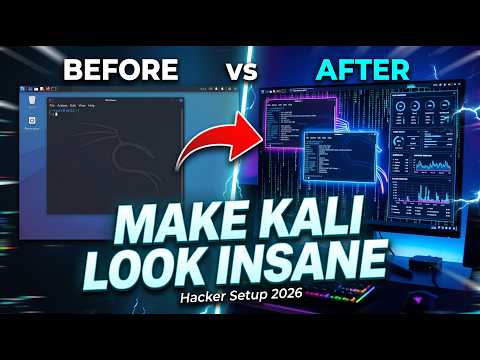
kali linux customization of the
GNOMEdesktop environment, installing the vibrantCandy Iconpack, adding smooth extensions, and completely upgrading the terminal using the powerfulOhMyZsh shellwith essential plugins. And adding a uniqueascii banner.
install GNOME useing this command
sudo apt install kali-desktop-gnomeSelect gdm3 as the display manager when installing GNOME.

Install Candy icons useing this command
mkdir ~/.iconsgit clone https://github.com/EliverLara/candy-icons.git ~/.icons/candy-iconsDownload kali all wallpapers useing this commands
sudo apt update && sudo apt install kali-wallpapers-all kali-wallpapers-legacy -yOpen This link : github.com/techchipnet/p10k and follow video tutorial to setup Powerlevel10k & OhMyZsh
Open This link : patorjk.com to generate custome banners
copy the colors code and add colors into your banner.
red="\033[1;31m"
green="\033[1;32m"
yellow="\033[1;33m"
blue="\033[1;34m"
purple="\033[1;35m"
cyan="\033[1;36m"
white="\033[1;37m"